
Waller Creek Software is a custom software company in Austin, and you work directly with co-founders Taylor Moses and Jamison Dyal. Our healthcare systems are fully HIPAA compliant, we sign BAAs, and a HIPAA-trained team member is involved in every healthcare build. This page is organized the way your week is: daily, weekly, monthly and on demand.
Daily: the huddle list
The most useful report in many clinics is not a chart at all. It is a short list on the morning screen: patients with incomplete intake, referrals past their target date, prior authorizations still pending, and gaps in the day's schedule. Each item links to the record, so someone can act on it before the first patient walks in.
Daily healthcare reporting works best when it is small and specific. If an item on the list does not lead to an action today, it belongs in the weekly view instead. We trim the daily list with your staff until every line earns its place.
Each location gets its own list, and each role sees the items it can act on. The front desk sees intake gaps, the referral coordinator sees aging referrals, and the clinic manager sees everything for that site. Nobody has to filter a shared spreadsheet before the doors open.
- Incomplete intake for today's patients
- Referrals waiting longer than your target
- Pending authorizations grouped by payer
- Open slots that could be filled from a waitlist
Weekly: trends for the operations meeting
Weekly healthcare reporting answers a different question: are things getting better? No-show rates by location and provider, how long new patients wait for a first visit, claims sitting in the denial queue, staffing compared with visit volume. We show the trend next to each number, so a bad week stands out clearly from a bad month.
The operations manager running the meeting should be able to click from any number to the list behind it. If the no-show rate jumped at the Kyle clinic, the next question is which patients and which appointment types, and the report should answer it on the spot without a new export.
- 1 Work recorded
- 2 Definitions applied
- 3 Dashboard updates
- 4 Exceptions flagged
- 5 Team acts
Monthly: a summary leadership can read on a phone
Owners and medical directors rarely have time for a crowded dashboard. A monthly summary with a few agreed measures, a sentence on what changed, and links into the detail serves them better. We design it to read well on a phone, because that is where most leaders will open it.
Each measure in the summary carries a short note on what moved it, written by the system from the underlying data or added by a manager. Leaders get context along with the number, and they can tap into the weekly view when something needs a closer look.
For a multi-location group in Greater Austin, healthcare reporting at this level should compare locations fairly, using the same definitions everywhere, so a clinic in Bastrop is never judged by a rule written for a clinic downtown.
✕Morning schedule exported and marked up by hand
✓A daily huddle list linked to each record
✕Friday spreadsheet rebuilt from several exports
✓Weekly trends that refresh from live data
✕Each location defines no-shows its own way
✓One written definition shown beside every measure
✕Monthly summary arrives after decisions are made
✓A phone friendly summary with links into detail
✕Audit requests answered by digging through folders
✓Access and consent histories pulled from the audit trail
On demand: audit, compliance and payer requests
Some reports do not run on a schedule. An auditor asks who viewed a record, a payer wants documentation for a set of claims, a compliance officer needs proof that a consent was signed. When the underlying system keeps a complete audit trail, these answers take a query rather than a scramble through folders and inboxes.
We have built advanced audit trails and full systems for FDA-regulated work under 21 CFR Part 11. That experience shapes how we store reporting data: every change is logged, every export is recorded, and access is limited by role.
We also build the reports compliance teams ask for again and again, such as access reviews showing who can see what, or a list of accounts that have not signed in recently. Running them on a schedule turns a stressful request into a routine check.
Tracing one number from source to screen
Take the no-show rate. It sounds simple until you ask what counts. Is a same-day cancellation a no-show? What about a telehealth visit where the patient joined late? We write each definition down with your team, show where its data comes from, and display that definition right next to the number in the report.
Data comes from your EHR, practice management system, phone system or billing tools where the vendor's APIs or integration options allow. When a source has no connection, we set up a controlled import, so every number still has a clear and documented origin.
The system handles
- Collecting data from each system
- Flagging delays
- Sending weekly summaries
Your people decide
- Setting targets
- Acting on bottlenecks
- Interpreting trends
Who sees what
A front desk lead needs today's list for one location. A billing manager needs payer detail. A medical director needs clinical measures across providers. Role-based access keeps each person to the data their job requires, and summary reports can hide patient identifiers entirely when names are not needed.
Every report view and export is logged. Sign in uses multi-factor authentication, data is encrypted in transit and at rest, and our healthcare reporting for Austin clinics is fully HIPAA compliant from the first release.
The same rhythm in manufacturing and sales
Manufacturers run on the same cadence: a daily list of late orders and open quality holds, weekly throughput trends, a monthly view for owners. The Industrial Operations Platform we built lets leaders manage by exception, which is the huddle list idea applied to a plant floor.
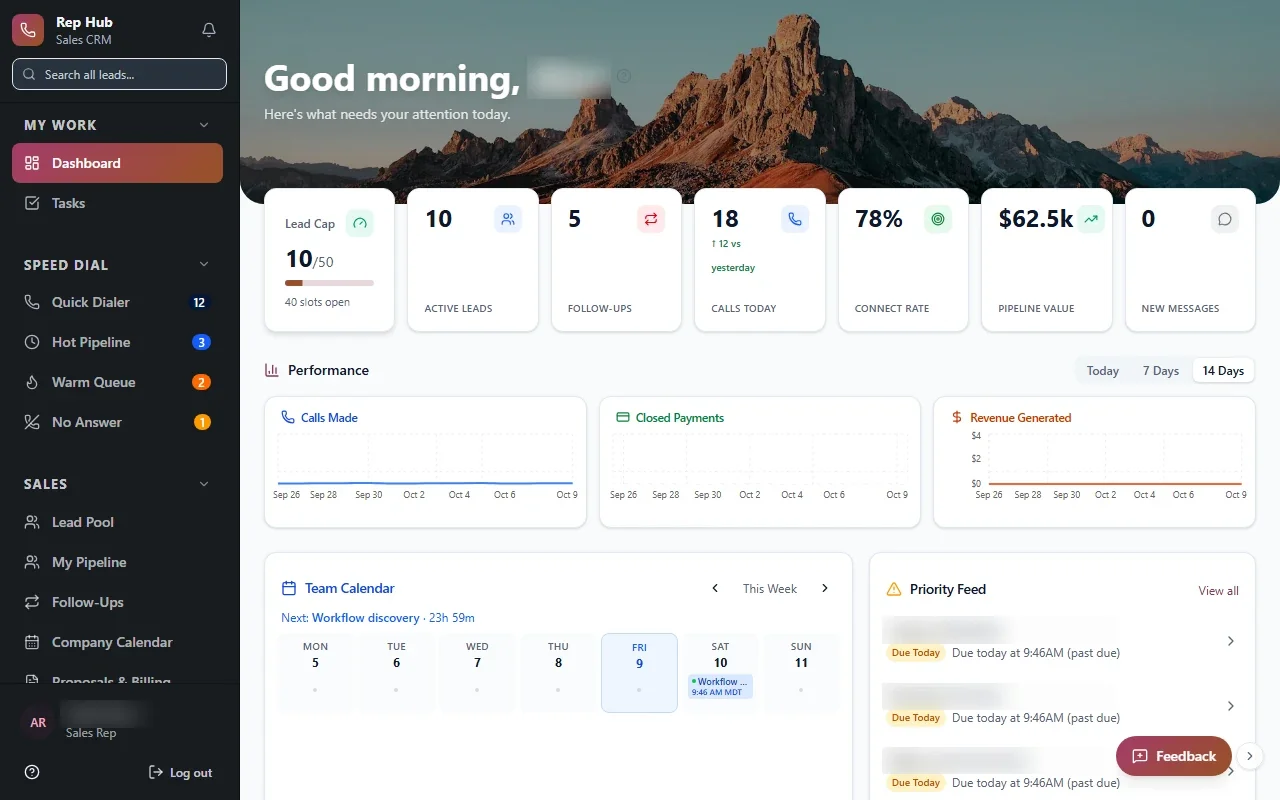
Sales teams track pipeline daily, conversion weekly and commissions monthly. Rep Hub, the sales platform we built, ties signed and paid deals to delivery and commissions, so the numbers come from the same records the reps work in. Whatever your industry, we can build reporting on this pattern.